+## Progress bar in taskbar (Windows & Unity)
+
+On Windows, a taskbar button can be used to display a progress bar. This enables
+a window to provide progress information to the user without that user having to
+switch to the window itself.
+
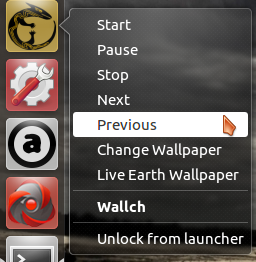
+The Unity DE also has a simililar feature that allows you to specify progress
+bar in the lancher.
+
+__Progress bar in taskbar button:__
+
+
+
+__Progress bar in Unity launcher:__
+
+
+
+To set the progress bar for a Window, you can use the
+[BrowserWindow.setProgressBar](setprogressbar) API:
+
+```javascript
+var window = new BrowserWindow({...});
+window.setProgresssBar(0.5);
+```
+
[addrecentdocument]:../api/app.md#appaddrecentdocumentpath
[clearrecentdocuments]:../api/app.md#appclearrecentdocuments
[setusertaskstasks]:../api/app.md#appsetusertaskstasks
+[setprogressbar]:../api/browser-window.md#browserwindowsetprogressbarprogress
[app-registration]:http://msdn.microsoft.com/en-us/library/windows/desktop/ee872121(v=vs.85).aspx
[unity-launcher]:https://help.ubuntu.com/community/UnityLaunchersAndDesktopFiles#Adding_shortcuts_to_a_launcher
 Repositories / electron.git / commitdiff